Welcome to
Label
6 MONTHS FREE SERVICE When You Buy a Phone + 6 Month Plan. Learn More
Mint Logo

Limited time offer

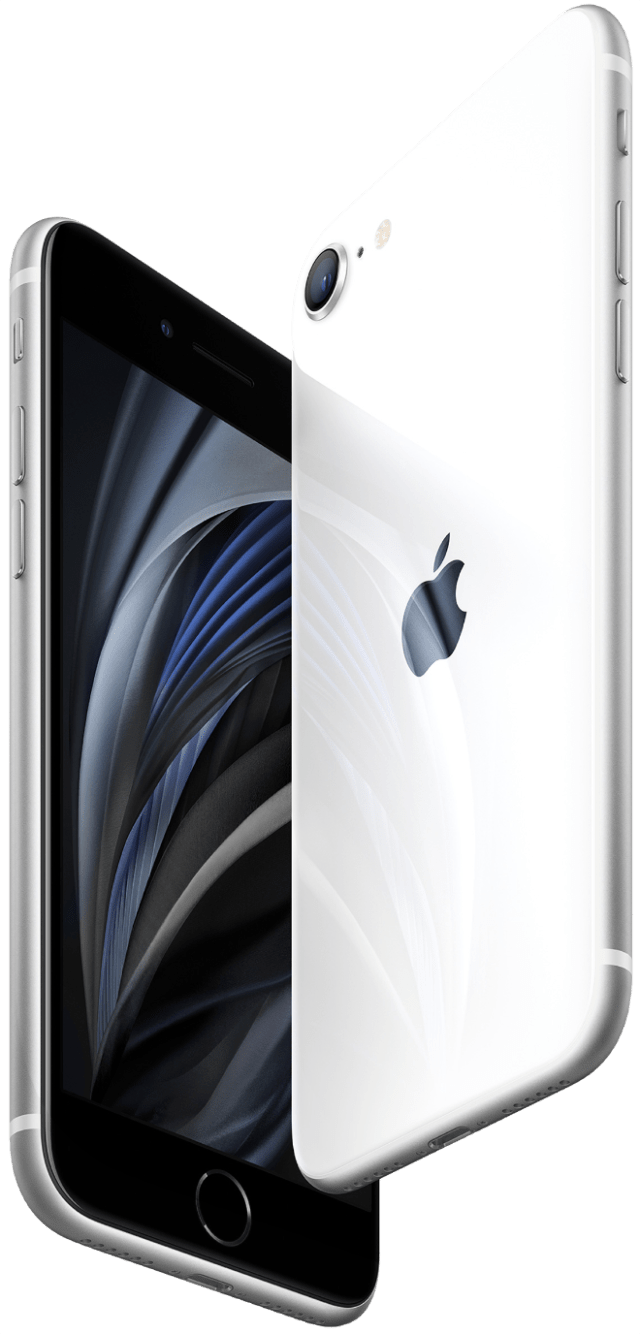
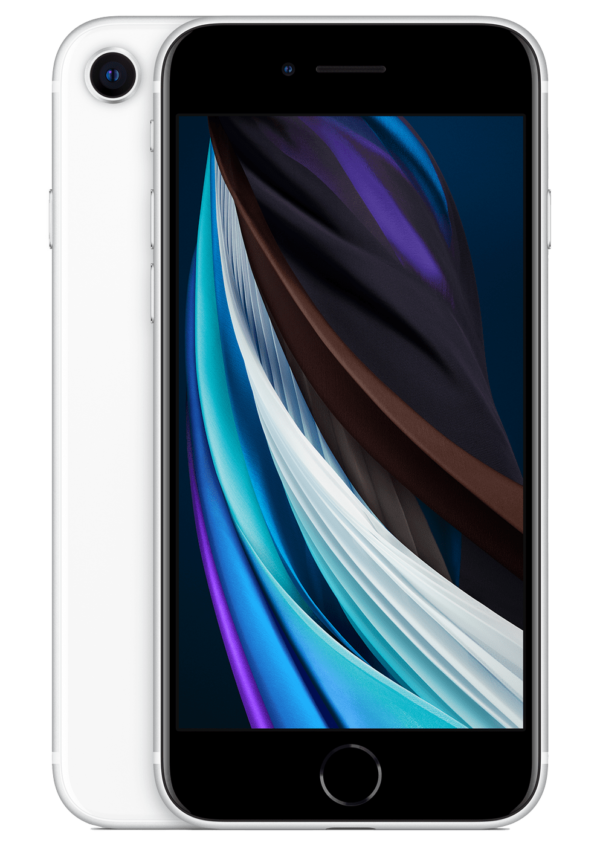
Apple iPhone SE + 3 FREE months of premium wireless 
Enter your ZIP Code to get started

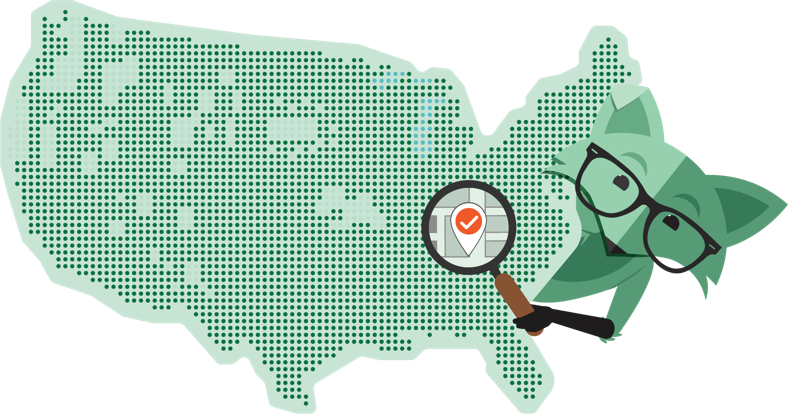
Check coverage & devices

Make sure we're Mint to be

Hear from our users

Lorem ipsum dolor sit amet, consectetur adipiscing elit. Cras eu urna purus. Sed maximus nulla quis ligula dictum mollis. Mauris quis semper tortor. Sed sed sem urna. Fusce venenatis, nulla in mollis volutpat, mi urna finibus ante.

Find your perfect plan

All of our plans include unlimited talk & text, and nationwide coverage on 5G or 4G LTE, whichever is strongest.
03 mo. plan
06 MO. PLAN
12 MO. PLAN
Limited time

15
/ mo

04 GB
04 GB
data
UNLTD
tAlk & TExt
$45 FREE for 3 months when you buy an iPhone SE. Valid for new customers only.

20
/ mo

10 GB
10 GB
data
UNLTD
tAlk & TExt
$60 for 3 months of service

25
/ mo

15 GB
15 GB
data
UNLTD
tAlk & TExt
$75 for 3 months of service

30
/ mo

UNLTD
UNLTD
Data
UNLTD
tAlk & TExt
$90 for 3 months of service
  • Limited time

    15
    / mo

    04 GB
    04 GB
    data
    UNLTD
    tAlk & TExt
    $45 FREE for 3 months when you buy an iPhone SE. Valid for new customers only.
  • 20
    / mo

    10 GB
    10 GB
    data
    UNLTD
    tAlk & TExt
    $60 for 3 months of service
  • 25
    / mo

    15 GB
    15 GB
    data
    UNLTD
    tAlk & TExt
    $75 for 3 months of service
  • 30
    / mo

    UNLTD
    UNLTD
    Data
    UNLTD
    tAlk & TExt
    $90 for 3 months of service

20
/ mo

04 GB
04 GB
data
UNLTD
tAlk & TExt
$120 for 6 months of service

25
/ mo

10 GB
10 GB
data
UNLTD
tAlk & TExt
$150 for 6 months of service

35
/ mo

15 GB
15 GB
data
UNLTD
tAlk & TExt
$210 for 6 months of service

35
/ mo

UNLTD
UNLTD
Data
UNLTD
tAlk & TExt
$210 for 6 months of service
  • 20
    / mo

    04 GB
    04 GB
    data
    UNLTD
    tAlk & TExt
    $120 for 6 months of service
  • 25
    / mo

    10 GB
    10 GB
    data
    UNLTD
    tAlk & TExt
    $150 for 6 months of service
  • 35
    / mo

    15 GB
    15 GB
    data
    UNLTD
    tAlk & TExt
    $210 for 6 months of service
  • 35
    / mo

    UNLTD
    UNLTD
    Data
    UNLTD
    tAlk & TExt
    $210 for 6 months of service

15
/ mo

04 GB
04 GB
data
UNLTD
tAlk & TExt
$180 for 12 months of service

20
/ mo

10 GB
10 GB
data
UNLTD
tAlk & TExt
$240 for 12 months of service

25
/ mo

15 GB
15 GB
data
UNLTD
tAlk & TExt
$300 for 12 months of service

30
/ mo

UNLTD
UNLTD
Data
UNLTD
tAlk & TExt
$360 for 12 months of service
  • Limited time

    15
    / mo

    04 GB
    04 GB
    data
    UNLTD
    tAlk & TExt
    $180 for 12 months of service
  • 20
    / mo

    10 GB
    10 GB
    data
    UNLTD
    tAlk & TExt
    $240 for 12 months of service
  • 25
    / mo

    15 GB
    15 GB
    data
    UNLTD
    tAlk & TExt
    $300 for 12 months of service
  • 30
    / mo

    UNLTD
    UNLTD
    Data
    UNLTD
    tAlk & TExt
    $360 for 12 months of service
Unlimited plan customers using >35GB/mo will experience lower speeds. Videos stream at 480p

Flexible phone options

  • Apple iPhone SE

    Get 3 Months of Free 4 GB Service when you buy an iPhone SE.
  • Apple iPhone 12 PRO

    Meet the new iPhone 12 Pro. 5G speed, A14 Bionic, the fastest chip in a smartphone.
  • Google Pixel 5 5G

    Morbi sit amet placerat ex. Ut in congue quam, vitae mattis leo ndisse eget augue.
  • Love your current phone?

    Bring it to Mint.

We care about you

We understand the importance of having great customer service. Which is why some of the best people in the biz are ready to help you out with all things Mint.
How do I activate using an eSIM?

It’s pretty easy and we walk you through the steps. Once you purchase your plan and select an ‘eSIM delivery’ then you can choose to either activate your plan right away, or activate later in two easy steps.

  1. Activate your plan On the order confirmation page there will be a large orange button ‘Activate now’. Hit this if you wish to activate your plan immediately after purchase. If you want to wait, no problem. We will send you an email with the same link to activate at your leisure.
  2. Install your eSIM Once your plan is activated, then you will need to install the eSIM onto the eligible device you will be using Mint on. To do this you will scan the QR code that appears on screen after you activate your plan. If you close the screen before scanning, again no problem. We’ll be following up with an email that will contain the QR code.
I’m having trouble installing my eSIM, help.
  1. You’ve scanned the QR code and opened the installation process, but the screen is frozen on ‘Cellular Plan’. Close the window on your phone, and rescan the QR Code.
  2. If you can’t scan the QR code, check and make sure that you have your QR scanner enabled in your Settings.
How do I know if Mint Mobile’s service will work for me?

There are a few easy ways to check if Mint Mobile is the perfect fit for you:

  1. Check the coverage map to verify service in your area. Please be aware that outside factors like terrain, building structures, weather, and other conditions may also interfere with the actual service available.
  2. If you are bringing your own phone, make sure your device is compatible with Mint Mobile
  3. You want to pay for the data you use and save money on your current monthly phone plan
  4. You want customer service there for you when you need it
  5. You want to be a part of the best community in wireless

Convinced? Awesome!

Mint Logo
starstar-emptychevron-down linkedin facebook pinterest youtube rss twitter instagram facebook-blank rss-blank linkedin-blank pinterest youtube twitter instagram